Search & maps
Serper / Google Maps / Amap
Discover companies and geographic context using authorized interfaces, credentials and provider quotas.

Bring search data, AI models and your mailbox into one prospecting process. Every integration needs a clear configuration and source so real results remain distinguishable from demonstrations.
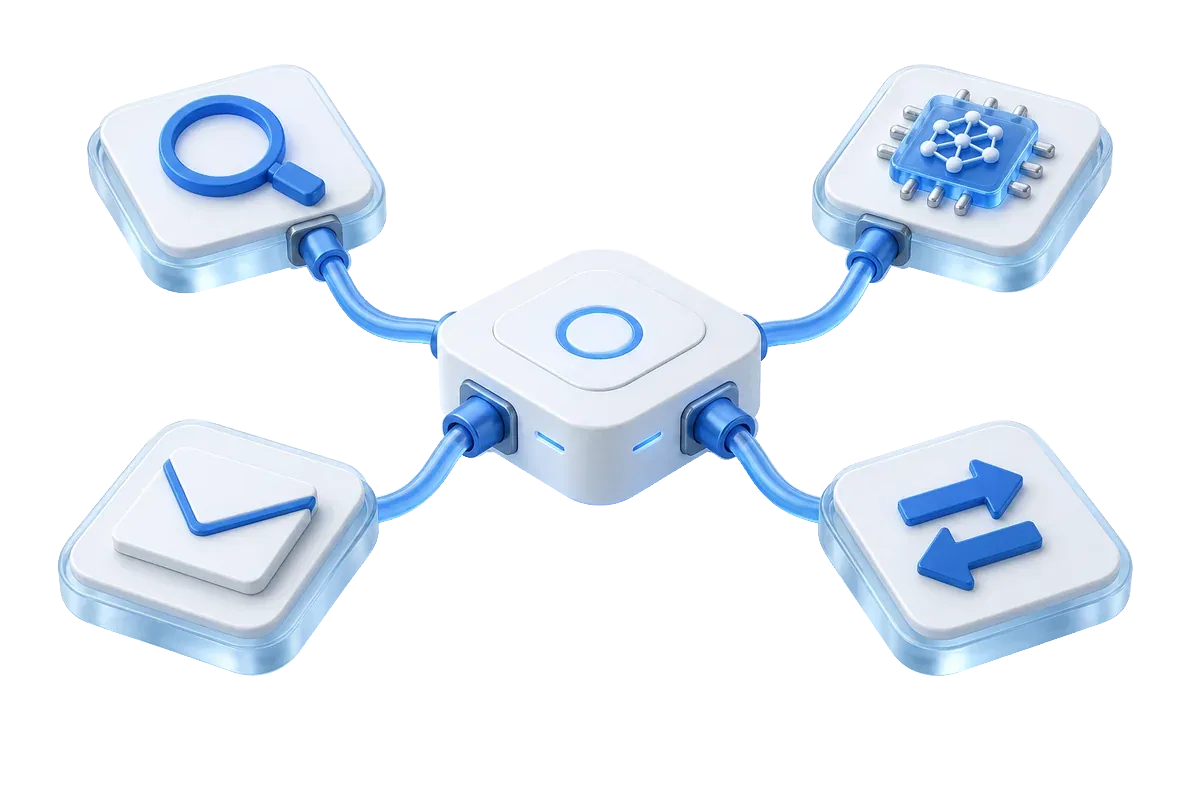
An adapter does not mean a service is enabled for your tenant. Use configuration and test results in your workspace as the reference.
Discover companies and geographic context using authorized interfaces, credentials and provider quotas.
Configurable adapters or demonstration flows may be available. Commercial platforms require the relevant rights; their presence is not a promise of unrestricted collection.
Use OpenAI, DeepSeek or another OpenAI-compatible model for qualification and email drafts. Inspect evidence and source labels. Missing configuration can produce explicitly marked mock or fallback output.
Connect your own sender accounts and apply review and sending policies. Deliverability depends on mailbox configuration and channel rules.
Connect internal processes using scoped credentials. Validate authentication, event types, replay and idempotency to avoid repeated processing.
The present workflow uses an internal state machine and adapters. These ecosystem extensions are not claims of accepted production integrations.
Confirm permissions, configuration, source labels and failure handling before adding a provider to live workflows.
It marks demonstration or fallback output. It does not mean a third-party provider has returned real business data. After adding credentials, verify authorization, quotas, returned content and failure behavior.
Choose OpenAI, DeepSeek or any provider that supports the OpenAI Chat Completions contract. Configure its model name, API key and optional base URL.
Current workflows use an internal state machine and adapter interfaces. LangGraph, Harness and MCP Gateway remain expansion directions in the product plan, not claims of accepted production integrations.
Use tenant-scoped credentials and the deployed API contract. Validate event types, authentication, retries and idempotency before connecting operational systems.
Start with a clear market. Connect your research, outreach and team follow-up.
Existing users can sign in. New team access is provisioned by the deployment administrator.